Under the Scheduler module, the scheduler view supports both searching (lookup) and filtering.
To start, click on the magnifying lens button in the top right-hand corner.
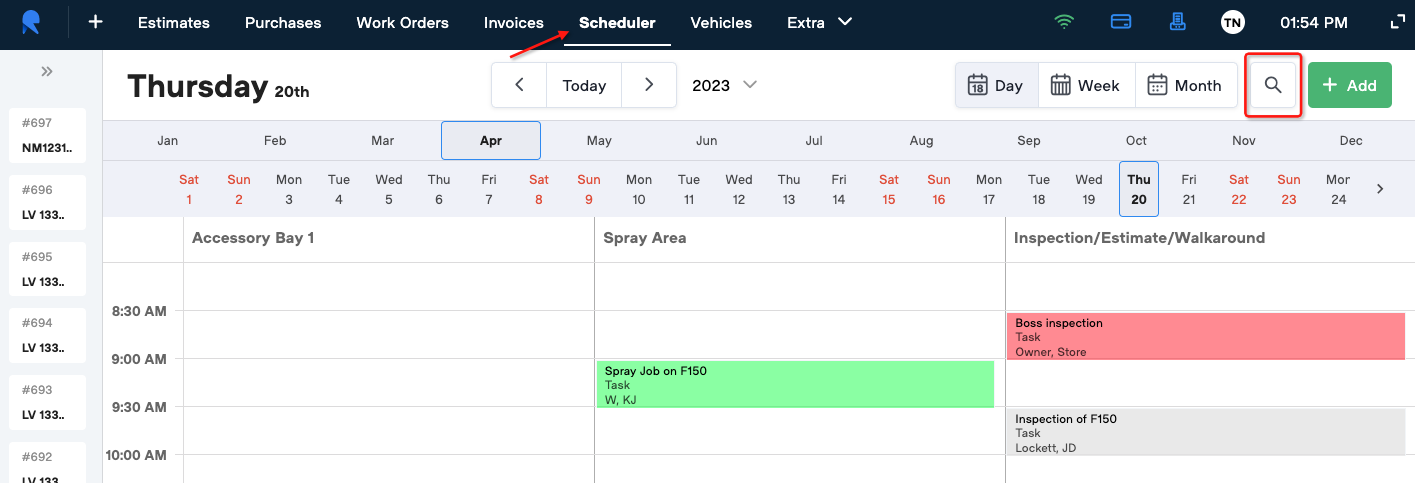
The filter modal will open on top of the scheduler

Select the desired filters and click OK.
Only the tasks meeting the filter criteria will now be displayed on the scheduler.

To clear the selected filters, click on the magnifying lens again. You can edit your filter criteria or clear all filters with the Clear button.